Tank gun setup, firing and reloading
中文 | English
Run this command at the repository root to replay the examples through the local Unity MCP. The command also captures screenshots in both languages.
python Docs/Manual/manual/tools/tutorials.py run tank-fire-settings --capture
Click to expand MCP actionsClick to collapse MCP actions
Prepare the teaching sample. The recipe provides ${variables}.
{
  "variables": {
    "text": "${fixture}/Tutorial_FireVehicleText.asset",
    "shared": "${fixture}/Tutorial_FireSharedGun.asset",
    "bullet": "${fixture}/Tutorial_FireAP.asset"
  },
  "calls": [
    {
      "tool": "invoke",
      "arguments": {
        "path": "static:UnityEditor.AssetDatabase/CreateFolder",
        "args": [
          "${fixtureParent}",
          "${folder}"
        ]
      },
      "expect": {
        "contains": "(String)"
      }
    },
    {
      "tool": "invoke",
      "arguments": {
        "path": "static:UnityEditor.AssetDatabase/CopyAsset",
        "args": [
          "Packages/com.shanghaiwindy.coreresources/Editor/DocumentationSamples/vehicle-basics/Tutorial_NativeText.asset",
          "${text}"
        ]
      },
      "expect": {
        "contains": "True"
      }
    },
    {
      "tool": "invoke",
      "arguments": {
        "path": "static:UnityEditor.AssetDatabase/CopyAsset",
        "args": [
          "Packages/com.shanghaiwindy.coreresources/BuiltInVehicles/PatriotRadar/BuiltIn-Patriot-Radar-SharedGun.asset",
          "${shared}"
        ]
      },
      "expect": {
        "contains": "True"
      }
    },
    {
      "tool": "invoke",
      "arguments": {
        "path": "static:UnityEditor.AssetDatabase/CopyAsset",
        "args": [
          "Packages/com.shanghaiwindy.coreresources/Editor/DocumentationSamples/vehicle-basics/Tutorial-76mm-AP.asset",
          "${bullet}"
        ]
      },
      "expect": {
        "contains": "True"
      }
    }
  ]
}
Once your first tank can drive, configure its main gun and firing effects. See ammunition and effects for projectile flight, penetration and impact effects.
1. Find the gun data the vehicle uses
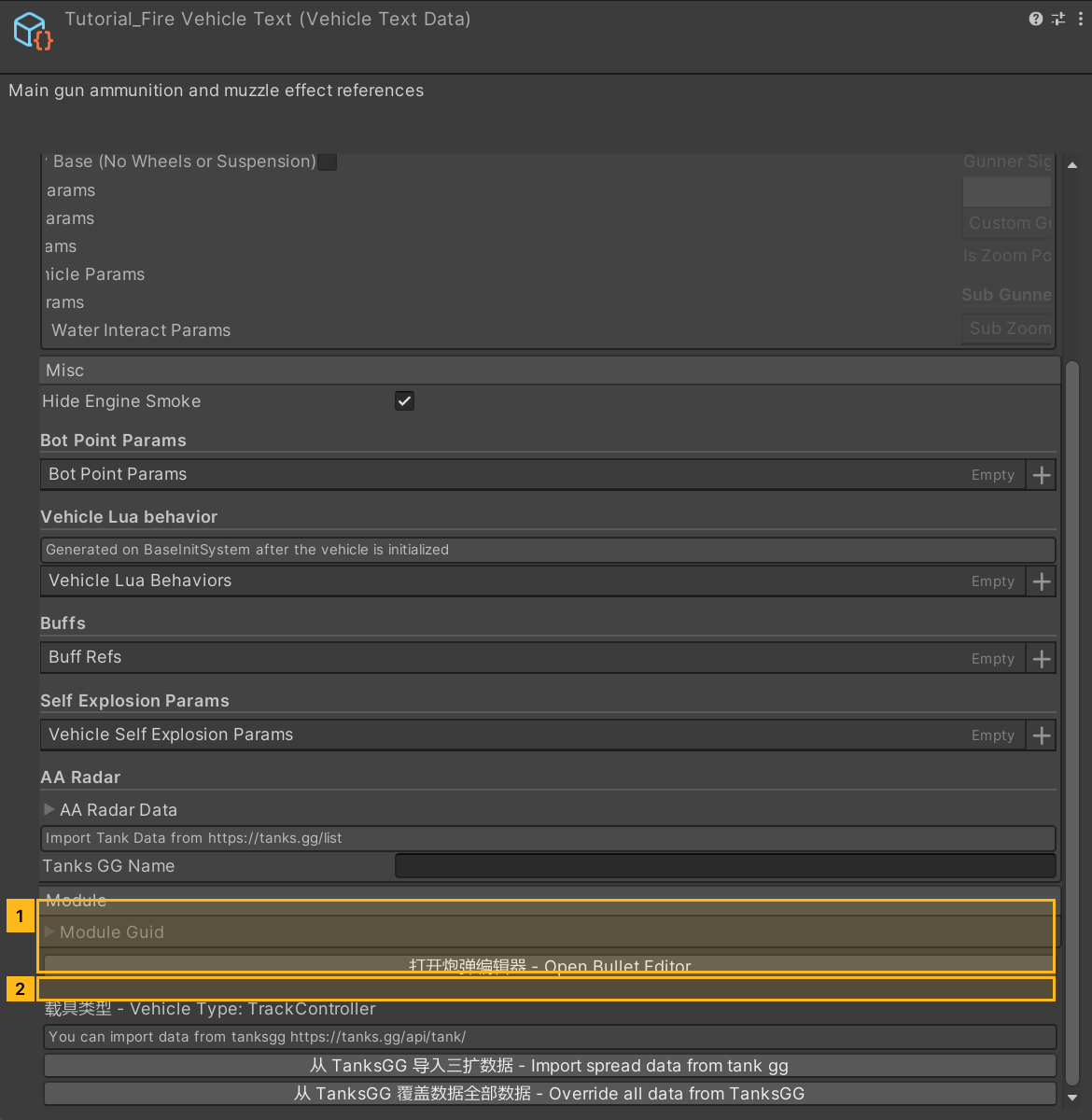
- Select the vehicle's VehicleTextData in Project and open the Fire tab.
- Check Shared Gun Data (
sharedGunData). With an empty reference, edit the local Tank Fire Params (TFParameter). If a SharedGunData asset is assigned, open that asset and expand itstankFireParameter. The game reads the shared asset first. To tune one vehicle, duplicate the asset and assign the copy to that vehicle. - Click + in Bullet Data (
bulletData) and drag the first test round into slot 0. Assign an existing sound asset to Bullet Sound (fmodBulletSound) and select Muzzle Middle for Muzzle Fire (muzzleFire). - Check
FFPointandEffectStartin the model. Position them at the muzzle and point their local +Z down the line of fire. Use the first-tank model setup as a reference, then check each secondary turret's own firing points.
Click to expand MCP actionsClick to collapse MCP actions
[
  {
    "tool": "inspect_set",
    "arguments": {
      "path": "asset:${text}/sharedGunData",
      "value": "null"
    },
    "expect": {
      "contains": "OK:"
    }
  },
  {
    "tool": "inspect_set",
    "arguments": {
      "path": "asset:${text}/TFParameter/bulletData/0",
      "value": "@asset:${bullet}"
    },
    "expect": {
      "contains": "OK:"
    }
  },
  {
    "tool": "inspect",
    "arguments": {
      "path": "asset:${text}/TFParameter/bulletData/0/name"
    },
    "expect": {
      "contains": "Tutorial_FireAP"
    }
  }
]
2. Set the reload mode and dispersion
Set Fire State (fireState) to Standard, Reload Time (ReloadTime) to 6 seconds and Ammo Count (AmmoCount) to 30 rounds. Ammo Count configures the gun's reserve. If you switch modes, fill in the timing fields for the new mode.
| Fire State | Parameters to configure |
|---|---|
| Standard | ReloadTime sets the standard reload time in seconds. hasSlot shows Slot Count and Slot Duration for weapons with a burst window. |
| Advance | SmallReloadTime, LargeReloadTime, and MaxSmallAmmo set the short reload in seconds, the long reload in seconds, and the number of rounds per magazine. Try 2 seconds, 33 seconds, and 4 rounds. |
| Drum | drumFire.fireDuration controls shot spacing. Enter times for each replenishment stage in drumFire.reloadTime. Start with the same times to observe individual rounds replenishing before tuning each stage. |
| Energy | Under energyFire, configure the energy per shot (perShotEnergy), capacity (totalEnergy), shot interval (perShotInterval), and effect duration (vfxDuration). |
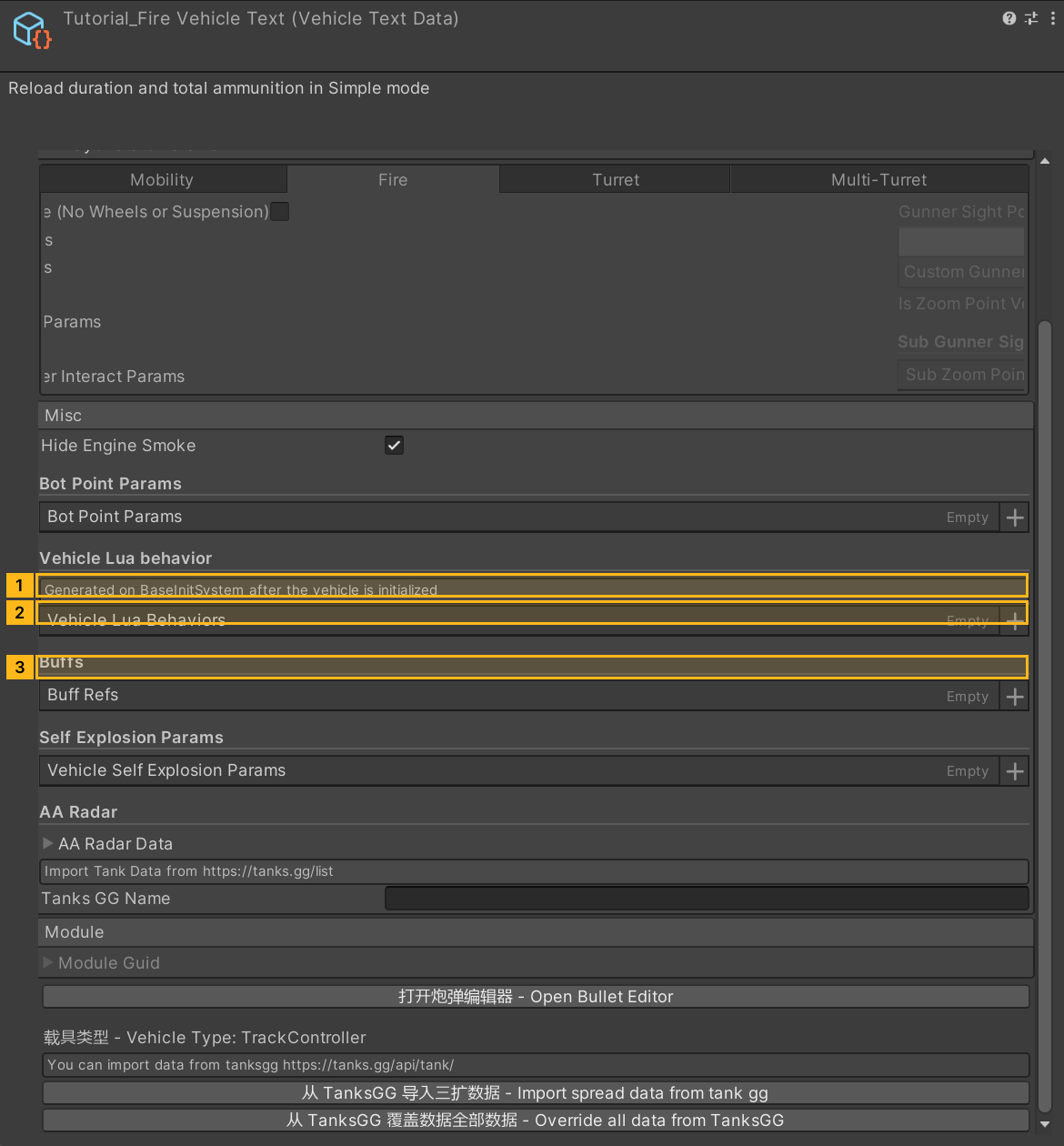
The Dispersion area has two sets of controls. The outer dispersion field governs fixed spread, with a standard deviation at 100 m of 100 times that value. Expand Spread (fireSpread) for the shrinking reticle mode. The example sets aimTime to 2 seconds and dispersion to 0.35. A larger aimTime slows convergence. A positive value also marks the spread profile as configured.
moveSpreadCoff, traverseSpreadCoff, gunSpreadCoff, afterFiredCoff, and damagedCoff control the effect of motion, hull traverse, gun motion, firing, and damage. Keep the working sample coefficients for the first test, then tune them one at a time. See fixed-angle reload to return the gun to a set angle during reloading.
Click to expand MCP actionsClick to collapse MCP actions
[
  {
    "tool": "inspect_set",
    "arguments": {
      "path": "asset:${text}/TFParameter/fireState",
      "value": "Simple"
    },
    "expect": {
      "contains": "OK:"
    }
  },
  {
    "tool": "inspect_set",
    "arguments": {
      "path": "asset:${text}/TFParameter/ReloadTime",
      "value": "6"
    },
    "expect": {
      "contains": "OK:"
    }
  },
  {
    "tool": "inspect",
    "arguments": {
      "path": "asset:${text}/TFParameter/ReloadTime"
    },
    "expect": {
      "contains": "6"
    }
  },
  {
    "tool": "inspect_set",
    "arguments": {
      "path": "asset:${text}/TFParameter/AmmoCount",
      "value": "30"
    },
    "expect": {
      "contains": "OK:"
    }
  },
  {
    "tool": "inspect",
    "arguments": {
      "path": "asset:${text}/TFParameter/AmmoCount"
    },
    "expect": {
      "contains": "30"
    }
  },
  {
    "tool": "inspect_set",
    "arguments": {
      "path": "asset:${text}/TFParameter/fireSpread/aimTime",
      "value": "2"
    },
    "expect": {
      "contains": "OK:"
    }
  },
  {
    "tool": "inspect",
    "arguments": {
      "path": "asset:${text}/TFParameter/fireSpread/aimTime"
    },
    "expect": {
      "contains": "2"
    }
  },
  {
    "tool": "inspect_set",
    "arguments": {
      "path": "asset:${text}/TFParameter/fireSpread/dispersion",
      "value": "0.35"
    },
    "expect": {
      "contains": "OK:"
    }
  },
  {
    "tool": "inspect",
    "arguments": {
      "path": "asset:${text}/TFParameter/fireSpread/dispersion"
    },
    "expect": {
      "contains": "0.35"
    }
  }
]
3. Check the gun in the test range
Save the asset and rebuild the test vehicle. Stop on level ground and fire a round from slot 0. Check the projectile leaves the muzzle, the sound and flash line up, the counter drops by one, and the gun can fire again after about 6 seconds. Compare groups of shots while moving, traversing, and stationary. For a magazine gun, time both the short reload inside the magazine and the long reload after it is empty.
- If the changes have no effect, check whether Shared Gun Data overrides the local settings and confirm that the range loaded the rebuilt package.
- If the gun aims but cannot fire, check the ammo list, remaining rounds, reload state, and weapon group.
- If the projectile flies correctly and the flash appears in the wrong place, check
EffectStart. For custom flashes, check that the object pool contains the key inoverrideMuzzleFires.
The MCP recipe read these parameters back in the editor. The range calls below can help verify ammunition and flight. Check player input, reload timing, and audiovisual effects in game.
Click to expand MCP actionsClick to collapse MCP actions
[
  {
    "tool": "inspect",
    "arguments": {
      "path": "asset:${text}/TFParameter/ReloadTime"
    },
    "expect": {
      "contains": "6"
    }
  }
]
Click to expand MCP actionsClick to collapse MCP actions
Runtime test pending. Bind the shooter and target IDs in the range. Check ammo consumption, reload and visual effects using the guide.
[
  {
    "tool": "runtime_status",
    "arguments": {}
  },
  {
    "tool": "range_ammo",
    "arguments": {
      "id": "${tankEntityId}"
    }
  },
  {
    "tool": "range_fire",
    "arguments": {
      "shooter": "${tankEntityId}",
      "target": "${targetEntityId}",
      "gun": 0,
      "ammo": "0",
      "mode": "shell"
    }
  }
]